Your videos and music. One player.
MAV plays the videos and songs already on your phone, in up to 4K, and adds a toolbox to trim, compress, convert, protect and share them.
For Android 7.0 and up.
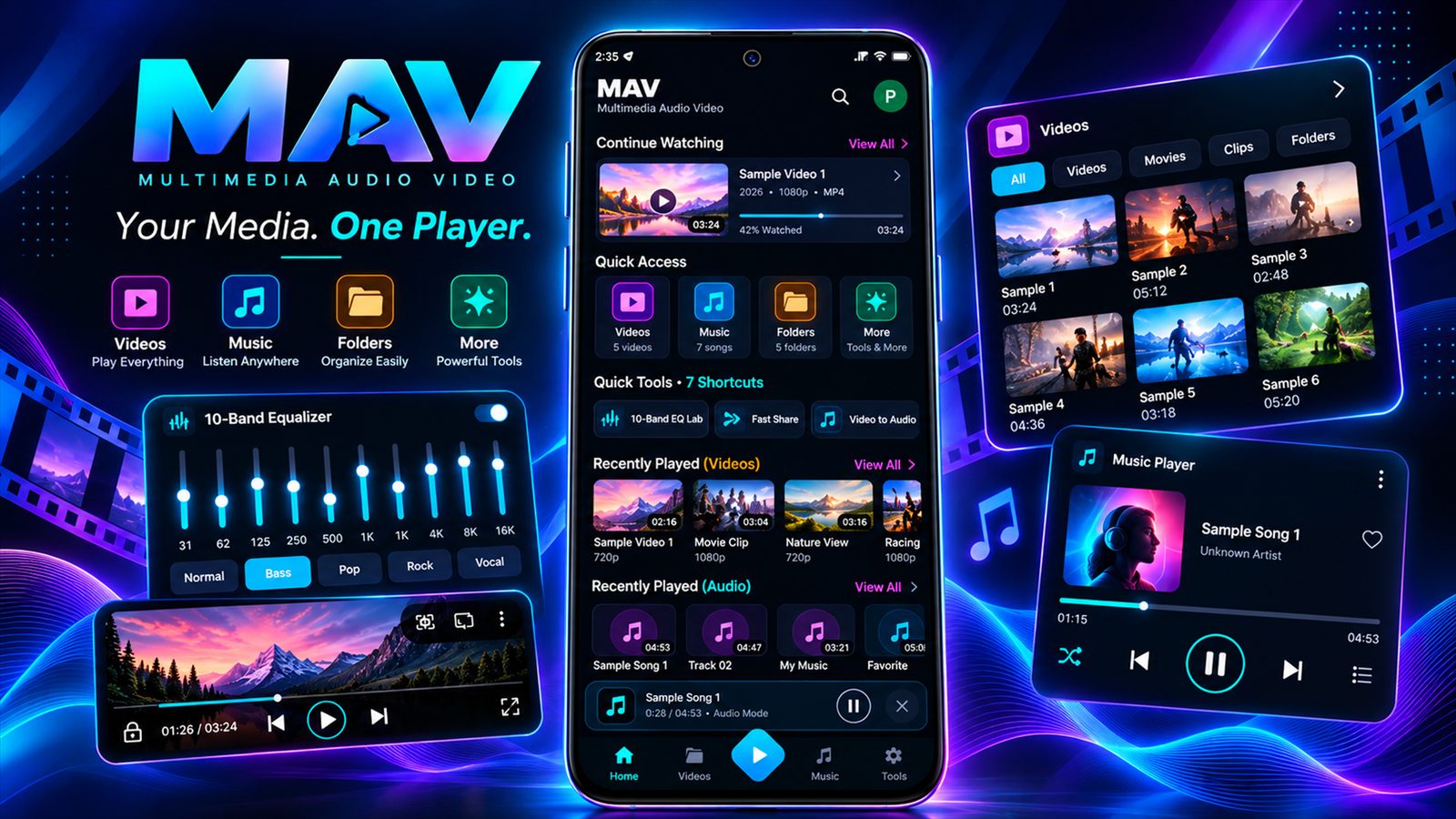
Everything for your media, in one app
A full video player, a music player with studio-style sound controls, and the tools you usually need three other apps for.
Video player
Smooth 4K playback with hardware decoding.
- MP4, MKV, AVI, MOV, WebM and more
- Subtitles: .srt, .vtt, .ass
- Gestures, PiP, A-B repeat
Music player
Your library by song, album, artist, genre and folder.
- 10-band equalizer, 8D audio
- Synced lyrics from your files
- Sleep timer, widget, themes
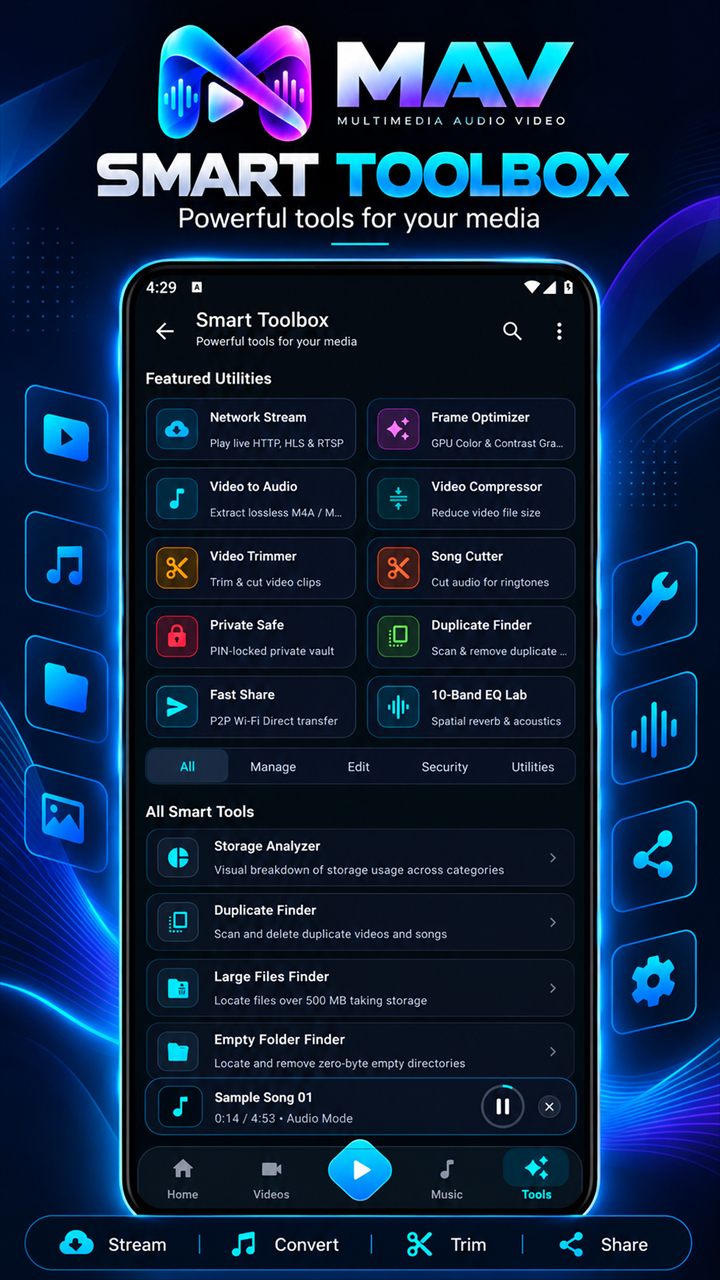
Media tools
Edit without leaving the app.
- Video Trimmer and Compressor
- Video to Audio, Song Cutter
- GIF Creator
Private Safe
Lock personal videos and songs behind a PIN. Files are encrypted with AES-256-GCM on your phone.
Fast Share
Send videos, songs and apps to a nearby phone over Wi-Fi Direct. No internet or mobile data needed.
Network Stream
Play HTTP, HLS, DASH and RTSP links, including IP cameras on your home network.
Storage cleaner
Find duplicate files, files over 500 MB and empty folders, and see what's using space.
Private by design
No sign-in, no ads, no tracking. Your media never leaves your phone unless you share it.
Built for big libraries
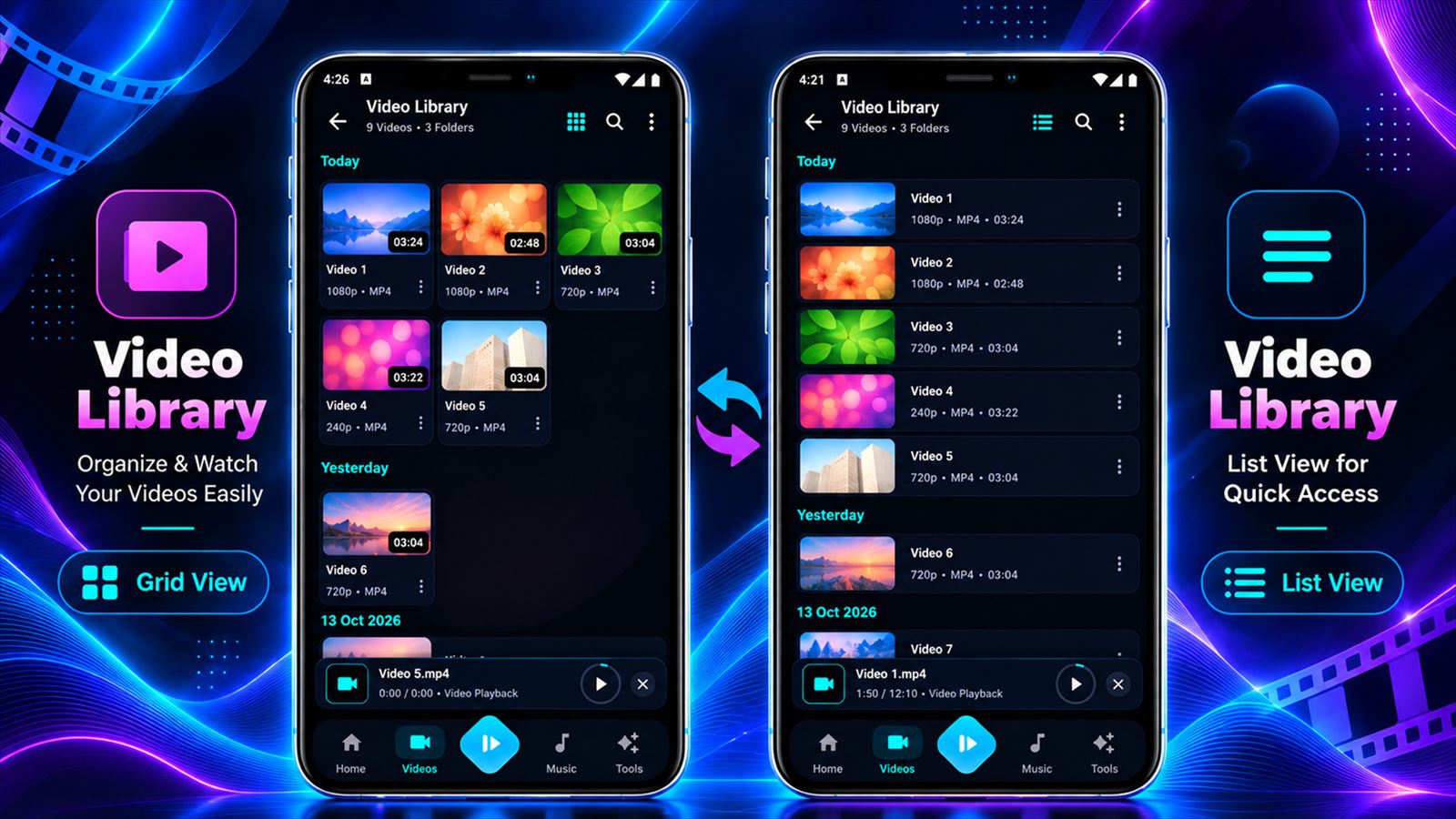
Grid or list view, folders, recently played and a toolbox that's one tap away.
Your library stays on your phone
MAV doesn't need an account and doesn't collect personal data. It only goes online when you play a network stream.
Read the privacy policy- No account or sign-in
- No ads, analytics or tracking SDKs
- Private Safe files are encrypted on your device
- Fast Share sends files straight to the other phone
Common questions
Is MAV free?
Yes. MAV is free to download and use, and there's no account to create.
Does MAV need the internet?
No. Videos, music, tools, Private Safe and Fast Share all work offline. You only need a connection to play network streams.
Which formats does MAV play?
Common video formats like MP4, MKV, AVI, MOV, WebM, FLV, TS and 3GP, and audio like MP3, AAC, FLAC, WAV, Opus, OGG and AMR, including AC3 and E-AC3 surround sound. Subtitles in .srt, .vtt and .ass are supported.
Does MAV provide TV channels or streams?
No. MAV is a player. It plays links you enter and can show public playlists maintained by the community-run iptv-org project. MAV doesn't host, provide or control any stream, and availability is up to each stream's provider.
What happens if I forget my Private Safe PIN?
Files in the Private Safe are encrypted on your phone, and we never receive your PIN or your files, so we can't unlock them for you. Keep your PIN somewhere safe.
Does Fast Share work with any phone?
Fast Share uses Wi-Fi Direct, so both phones need MAV installed and Wi-Fi turned on. Files go directly from one phone to the other.
Is MAV available for iPhone?
Not right now. MAV is available for Android 7.0 and up.
Questions or feedback?
Email us and we'll get back to you. We read every message.
info@appsgain.in